JSON object array to CSV: headers, Unicode and quotes
Follow a checked two-row JSON example through CSV headers, Unicode, quotes and nested cells. Download the synthetic input and verified 295-byte CSV.
- Use synthetic example
- Create CSV
- CSV ready below. Review headers, then copy or download.
2 rows · 8 columns · 295 B · 2 protected cells
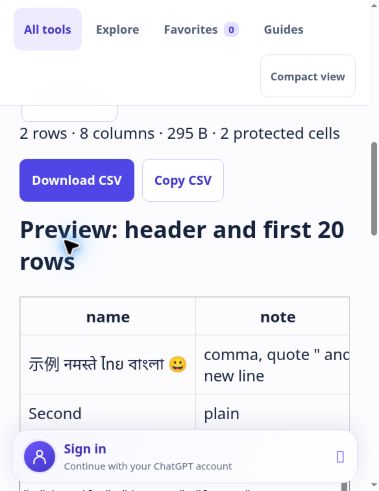
[{"name":"示例 नमस्ते ไทย বাংলা 😀","note":"comma, quote \" and\nnew line","active":true,"amount":1.2300,"empty":null,"details":{"tags":["one","two"]},"=note":"=sample"},{"name":"Second","note":"plain","active":false,"amount":9007199254740993,"later":"added header"}]
Practical example
Only a non-empty array of objects. Headers follow the first appearance of each key, including keys in later rows. Duplicate keys are rejected.
Missing keys, null and empty strings all become empty CSV fields. Booleans use true/false; number spelling is preserved. Nested arrays and objects become compact JSON text in one cell, never flattened. CSV does not retain JSON types.
All fields are double-quoted; quotes are doubled and records use CRLF. The download is UTF-8 with a BOM and text/csv MIME type. Spreadsheet apps can still auto-format numbers and dates: import important identifiers as text.
Formula-like text and headers receive a leading apostrophe by default. This changes the cell value; it is not a universal safety guarantee for every spreadsheet.
Limits: 100,000 UTF-16 input units and 200,000 UTF-8 bytes; 1,000 rows, 100 columns, 50,000 cells, nesting depth 32, output 2,000,000 bytes. No network upload or input storage.