Change text case without assuming every script has capitals
Hello world ไทย became HELLO WORLD ไทย in our uppercase run. Thai text stayed unchanged; casing and translation are different operations.
Open tool: Change text case →What should you prepare?
- Keep the original text or file. The sample TXT describes test settings; it does not import them automatically.
- Check options before processing your content. Random outputs and browser capabilities may differ.
How do you use ToolMiko?
- Paste Hello world ไทย and choose Uppercase.
- Run and compare the Latin letters and unchanged Thai text.
- Try lowercase or title mode, then copy the result before clearing.
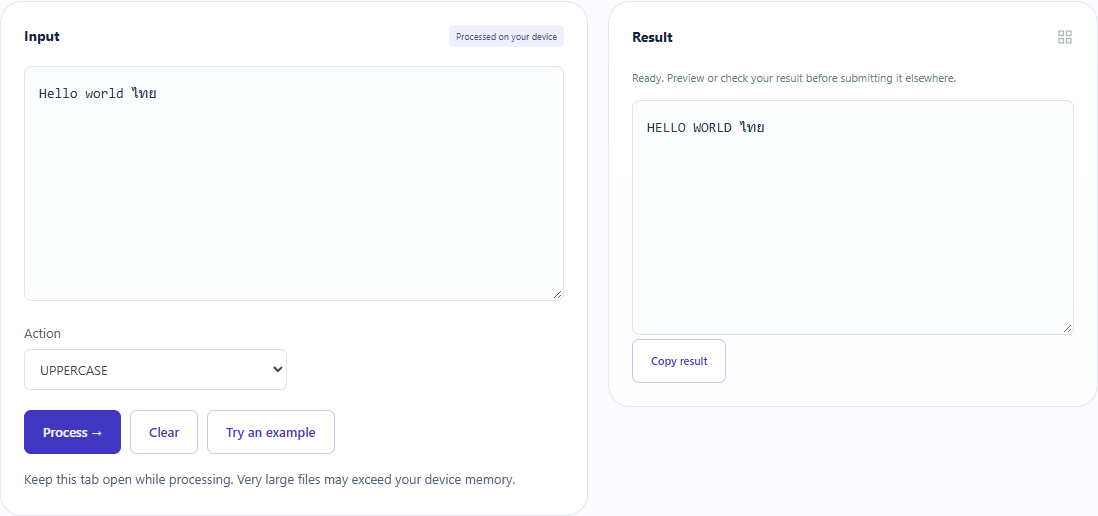
What did the sample produce?
The table and screenshot come from actual operations. TXT files are editorial check records; any additional file is a real tool export.
| Check | Observed result |
|---|---|
| Input | Hello world ไทย |
| Observed result | HELLO WORLD ไทย |
| File bytes | 21 |
These non-personal samples were generated for ToolMiko and tested in Windows Chrome on 2026-11-13. Repeat with the source files; results can differ with your files and device.
What if the result is wrong?
Why is the heading not editorial title case?
Title mode is a simple Latin word-start transformation, not a grammar or style-guide editor.
Limits and file handling
Keep the original. Some scripts have no letter case; Unicode casing can change length. This does not translate text or preserve a custom mixed-case brand automatically.